%20(2)-1.png)
Google to Microsoft Migration in Manchester
Move from Google Workspace to Microsoft 365 with less disruption, clearer planning and a workplace that works better from day one.
A Google to Microsoft migration is never just about moving emails and files. It affects how people access information, where shared documents live, how permissions are managed, and how confidently your team can work once the new environment goes live. Apex helps SMEs plan, manage and support the move properly, so your business lands in a Microsoft 365 environment that is clearer, more secure and easier to use.

.png)

Our Google to Microsoft migration process
.png?width=24&height=24&name=Untitled%20design%20(75).png)
1. Discover
2. Design
3. Prepare
4. Migrate
5. Cutover
6. Support and optimise
Free Google to Microsoft migration resources for Manchester business owners
Planning a move from Google Workspace to Microsoft 365? Explore our practical resources for SME leaders below.
-1.png)
Why Choose Apex for your Google to Microsoft migration?

We plan the destination, not just the move
A straight copy of years of clutter rarely creates a better workplace. We help you decide what should move, what should be restructured and what should be left behind.
.png?width=24&height=24&name=shield%20(3).png)
We understand Microsoft 365 beyond the migration tool
Your migration connects to Teams, SharePoint, OneDrive, Outlook, identity, permissions, security and support. We help make those pieces work together.

We reduce disruption through clear communication
Migration uncertainty creates user frustration. We help your team understand what is changing, when it's happening and where to go for help.
.png?width=24&height=24&name=right-arrow%20(2).png)
We support users after go-live
The first few days matter. We help resolve early issues, reinforce the new ways of working and stop old habits from re-establishing themselves.
.png?width=24&height=24&name=windos-8-logo%20(1).png)
We are a Manchester-based partner for growing SMEs
You get practical support from a local team that understands how SMEs work, where migrations usually become difficult and how to make Microsoft 365 feel easier to use day to day.
Free Google to Microsoft 365 migration resources
Planning a move from Google Workspace to Microsoft 365? These practical one-page resources are designed to help SME leaders understand what needs to happen before, during and after migration - without getting lost in technical detail.
Use them to assess your readiness, clarify who owns what, prepare for cutover and decide whether your internal team needs extra support from an MSP or Microsoft 365 specialist.
.png?width=24&height=24&name=icon%20(101).png)
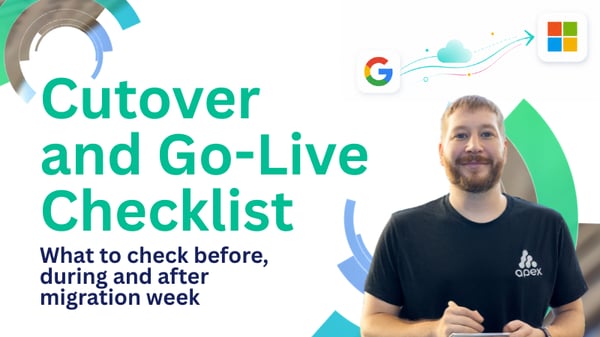
Cutover is the moment where planning becomes reality. This checklist helps you prepare for migration week by breaking down what needs to happen before, during, and after the switch to Microsoft 365. From mail routing and licensing to file access, user support and first-week issue tracking, it gives leaders a practical way to reduce disruption and make sure users feel supported from day one.
.png?width=24&height=24&name=icon%20(31).png)
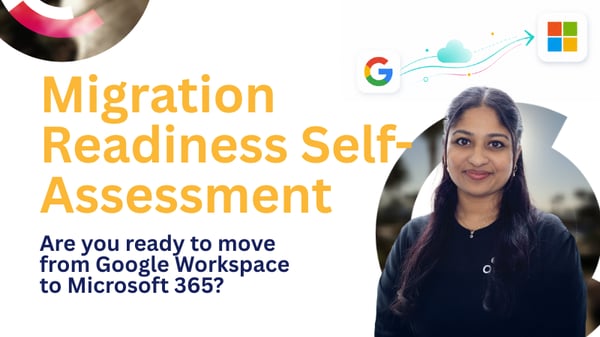
Not every business is ready to migrate just because the decision has been made. This quick self-assessment helps you understand whether your organisation has the right foundations in place before the project begins. It highlights key risk areas such as unclear file destinations, unmapped permissions, poor communication planning and lack of post-go-live support, giving you a clearer view of whether you're ready to move forward or need discovery and expert input first.
.png?width=24&height=24&name=icon%20(45).png)
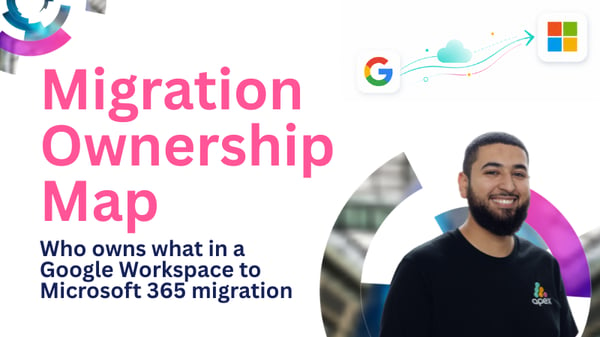
A migration can quickly lose momentum when nobody is quite sure who owns what. This guide helps you separate business decisions from technical responsibilities, so leadership, department heads, internal IT and external partners all understand their role. Use it to avoid delays, mixed messages and last-minute confusion — especially around file ownership, user communication, permissions, cutover planning and first-week support.
.png?width=24&height=24&name=icon%20(94).png)
Should you manage the migration in-house, bring in an MSP, or use a hybrid approach? This guide helps you make that decision more confidently. It looks at internal capacity, Microsoft 365 migration experience, SharePoint and Teams planning, permissions, cutover risk and post-go-live support, so you can decide whether your team can manage the project safely or whether specialist support would reduce risk and pressure.
FAQs: Engineer Q&A
We've been speaking to Daryl Kelly about what a good Google-to-Microsoft migration actually looks like. Here, he shared some common pitfalls, and what makes the difference between a migration that simply moves data and one that genuinely improves the workplace.

Daryl Kelly
Project and Onboarding Manager
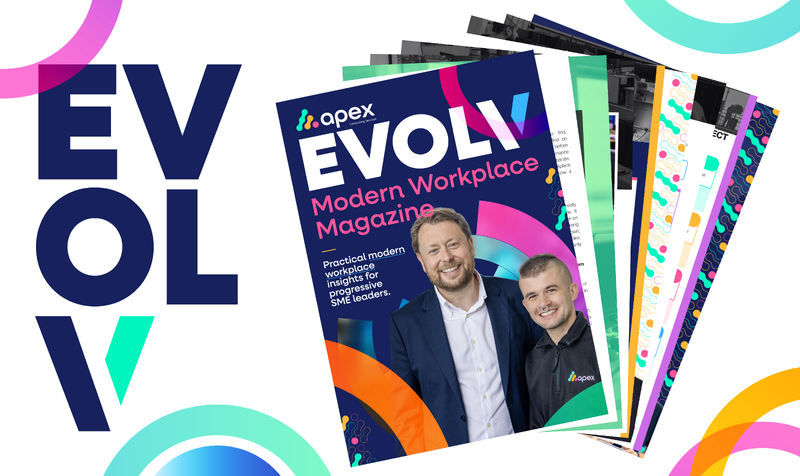
Modernising Manchester Businesses: EVOLV Digital Magazine
Get a clearer view of what a modern workplace should actually look and feel like with EVOLV, Apex Computing's practical guide for business leaders. Created for organisations looking to work smarter, reduce friction, and get more value from Microsoft 365, it's packed with insights to help you move from scattered systems to a workplace that feels clearer, more secure, and easier to trust.
Sector-specific insights
Looking for something more tailored? Alongside the main magazine, we've already created sector-specific EVOLV editions to help leaders explore what a better modern workplace looks like in their world.
Download the main EVOLV magazine here
Discover EVOLV for your industry here
What you'll get:


Ready to move from Google Workspace to Microsoft 365?
A successful migration should do more than move data. It should leave your business with clearer systems, better collaboration and a Microsoft 365 environment your team can trust. Complete your details below and one of our team will be in touch to arrange a call.

